Skip to content

Help clients remember the time you set aside

A well-timed reminder gives clients a chance to prepare for their visit. Connect appointment communication to your schedule, with channels that fit your business and market.

01

Keep booking details easy to find

Use confirmations and reminders to bring the appointment back into view. Clear service, date and time details are more useful than a long promotional message. Check that your client contact information is correct and that your business details are current.
02

Choose channels for your market

OnFika supports communication through configured SMS, email and WhatsApp providers. Availability depends on your country and provider setup. Confirm the channels enabled for your account before promising a particular delivery method to clients.

03

Plan for messaging costs

SMS and WhatsApp use message credits, priced separately from your software plan. Review the available bundles and your expected appointment volume before choosing a balance. Message delivery can depend on provider and network conditions, so keep a practical follow-up process for important changes.

Common questions

Still unsure? Talk to our team or browse the help centre.

Are message credits included in every plan?

Check your chosen plan for any included credits. Additional messaging is available through country-specific credit bundles on the pricing page.

Will reminders eliminate missed appointments?

Reminders help keep appointments visible, but cannot guarantee attendance. Clear booking policies and accurate contact details also matter.

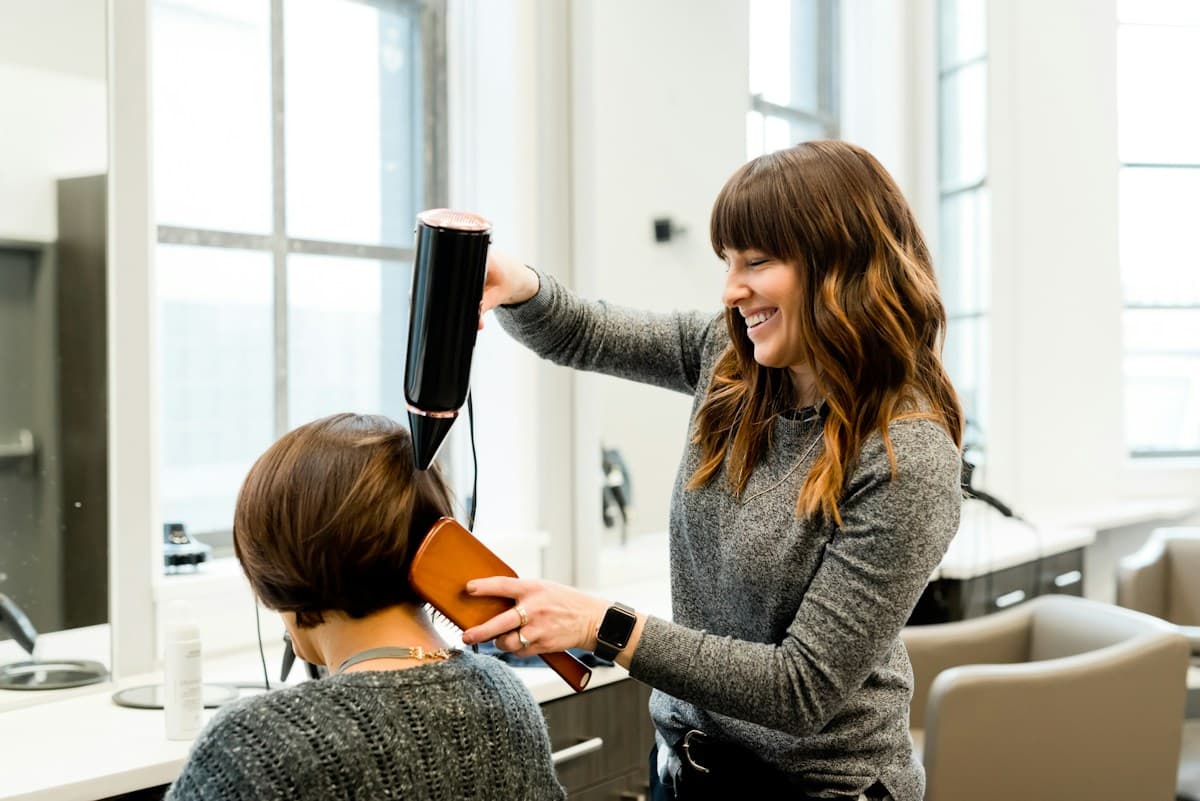
A stylist caring for a client in a salon

Appointment reminders

Fewer no-shows.Fuller days.

Keep clients informed with OnFika appointment confirmations and reminders. Explore SMS, email and WhatsApp options, with messaging costs shown separately.

Get started free