Skip to content

Online booking that fits into your clients’ day

A client should not need to wait for a reply to find an appointment. OnFika gives your business a shareable booking page, with services, prices and available times in one place.

01

Turn interest into an appointment

Share your booking link on your website, social profiles or WhatsApp. Clients can explore your published services, choose a professional and select an available time. Your opening hours and team schedules help determine the slots they see, so you spend less time exchanging messages about availability.
02

Give clients the details they need

Show service durations and prices alongside your business location and contact details. A clear page helps a first-time visitor decide whether the appointment suits them. Keep the information current when you change a service, move premises or adjust your hours.

03

Connect the booking to the rest of your day

Online appointments join the same workflow your team uses to manage bookings and clients. Where a service requires a deposit, the booking follows that payment policy. Available payment methods depend on the provider configured for your business and country.

Common questions

Still unsure? Talk to our team or browse the help centre.

Do clients need to install an app?

No. Clients can browse your public booking page and book through their mobile or desktop browser.

Can I use OnFika without building a website?

Yes. You can share your OnFika booking link directly. Publish your business profile and bookable services so clients have the information they need.

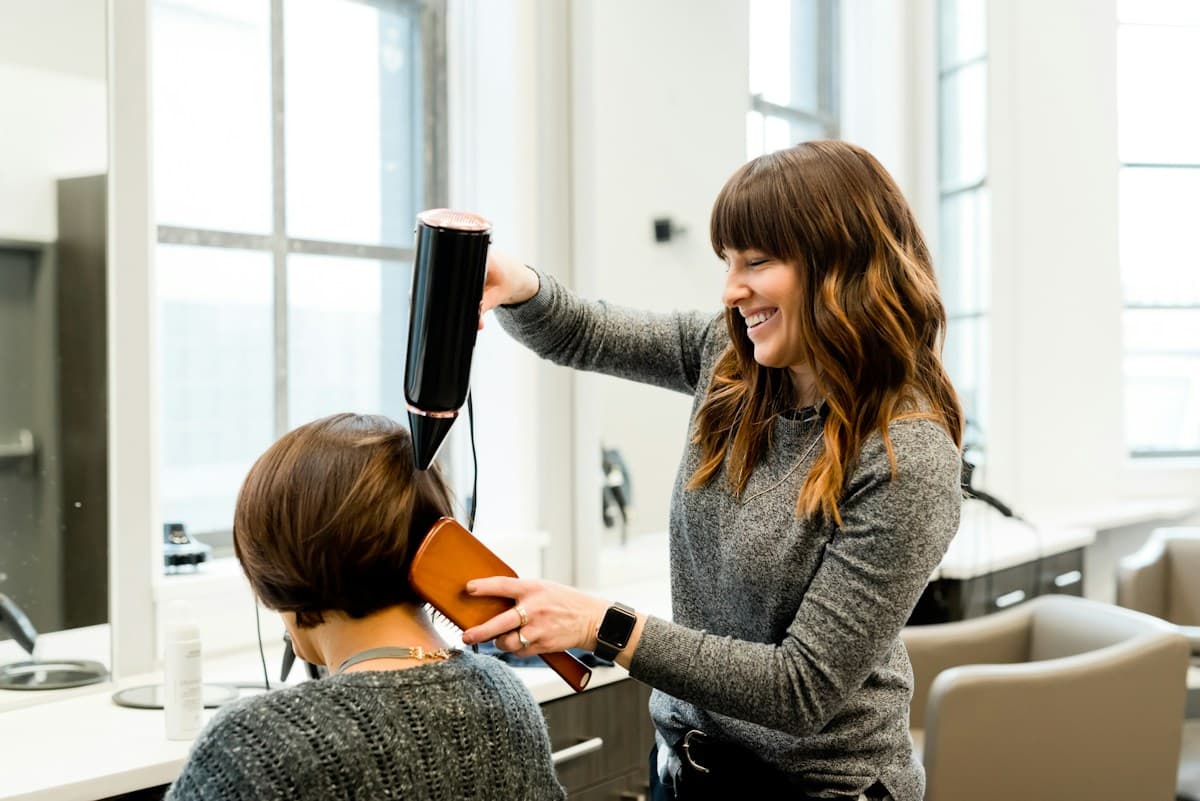
A stylist caring for a client in a salon

Online booking

Take bookingswhile you sleep.

Let clients book your salon, spa or wellness services online with OnFika. Share a booking page with services, team availability and clear appointment details.

Get started free